What the Snipping Tool does well
The Snipping Tool is free and already on every Windows 10 and Windows 11 PC. Press Windows+Shift+S, pick rectangle, window, full screen or freeform, and your capture lands on the clipboard. Recent versions of Windows 11 also add screen recording, text extraction and basic shapes. For an occasional screenshot, that is plenty.
Where people outgrow it
- Marks are hard to change. Pen strokes are drawn straight onto the image, and shapes merge into it once you move on. If an arrow is in the wrong place, you erase it and start again.
- The editor is a second step. You capture, click the notification, then edit in a separate window.
- Limited annotation. There are no numbered step markers, and options for text and highlights are basic.
- Windows only. If you also work on a Mac, you need a different tool there.
Scrannotate: the upgrade for daily use
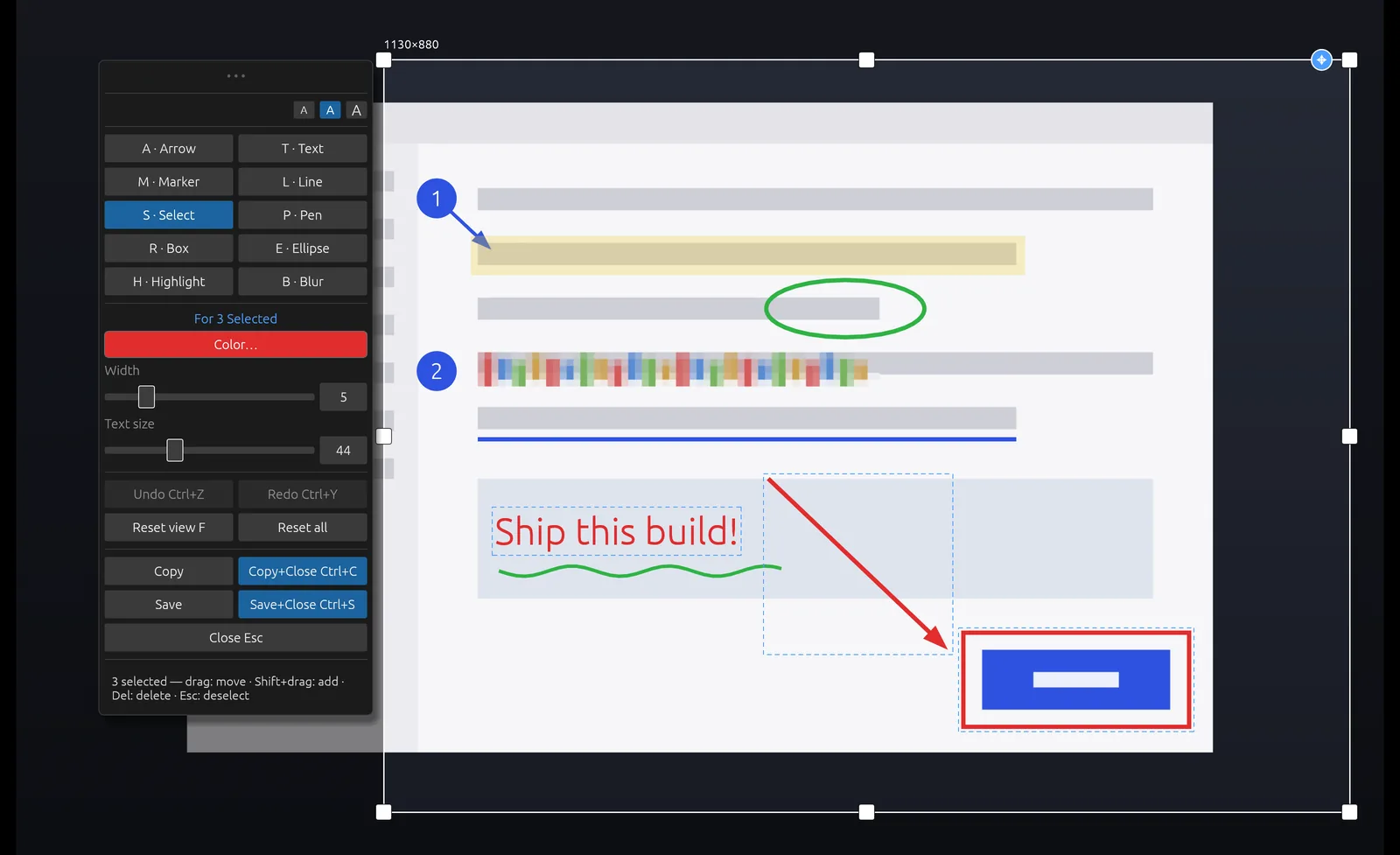
Scrannotate keeps the speed of Windows+Shift+S and adds a real editor around your capture. Every tool is one key: A arrow, R box, T text, H highlight, B blur, M numbered marker. Every mark stays editable, so you can move or restyle it any time before you copy. Shift+drag selects several marks at once.
When you are done, Ctrl+C copies and closes, and Ctrl+S saves and closes. It costs $14.99 once on the Microsoft Store, and the same app runs on Mac.
Snipping Tool vs Scrannotate
| Scrannotate | Snipping Tool | |
|---|---|---|
| Price | $14.99 once | Free, built in |
| Capture and edit in one step | Yes | No, editing opens separately |
| Marks stay editable | Yes | No, they merge into the image |
| Blur sensitive details | Yes | Text redaction in newer versions |
| Numbered step markers | Yes | No |
| Screen recording | No | Yes |
| Also on Mac | Yes | No |