Is CleanShot X available for Windows?
No. CleanShot X is Mac only, with no Windows version. It is a well-made Mac app with capture, annotation, screen recording, scrolling capture and cloud sharing, priced at $35 with a year of updates, then an optional $19 a year to keep updating. There is also a Pro plan at $10 per user per month.
That leaves a gap for people who use a Mac at home and Windows at work, or teams with both. You either learn two different tools or settle for the built-in ones.
Scrannotate: one tool on Mac and Windows
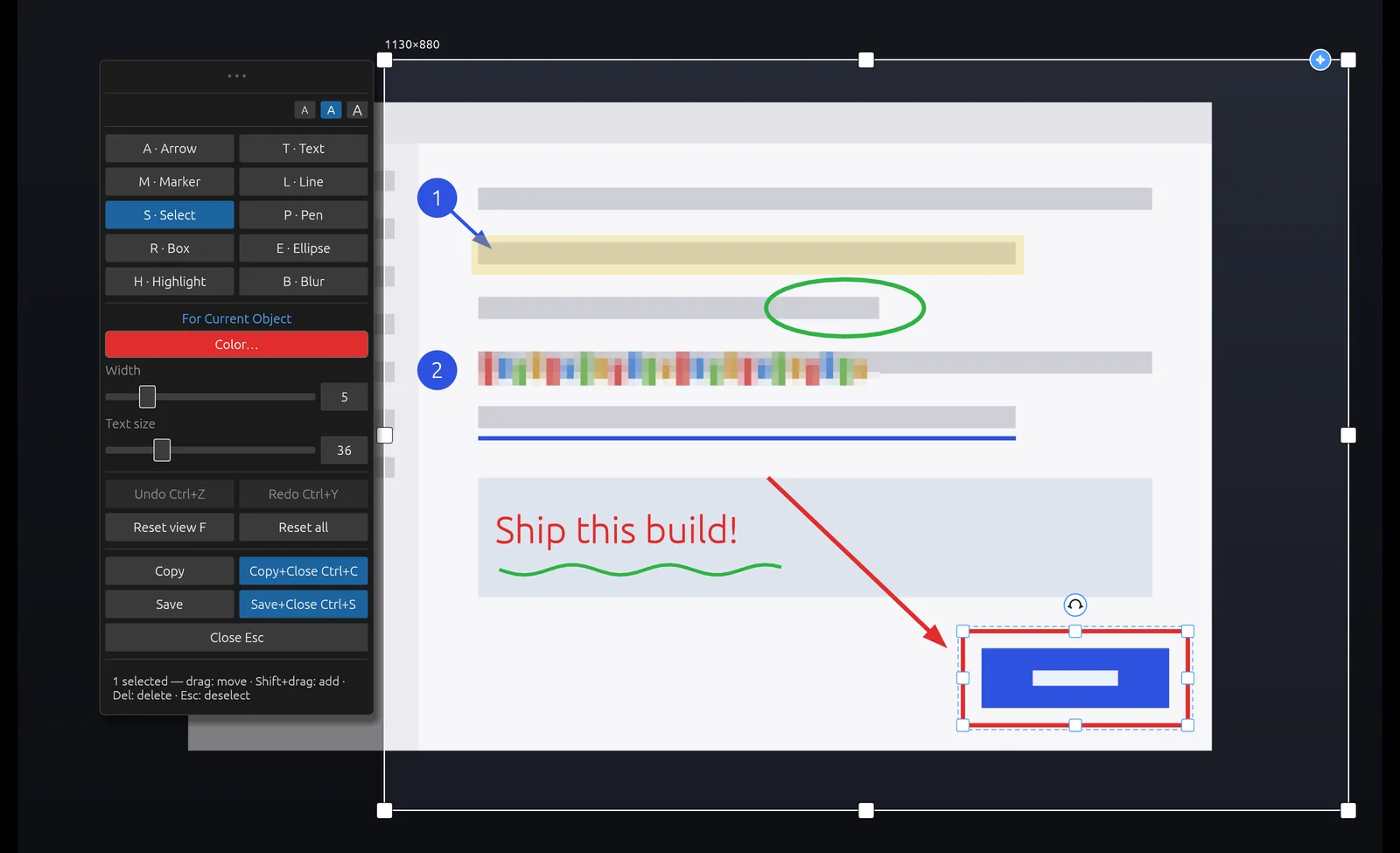
Scrannotate is the same app, with a consistent capture and annotation workflow, on both platforms. Capture a region, window or full screen, then annotate with one-key tools: arrows, boxes, ellipses, lines, pen, text, highlights, numbered markers and blur. Every mark stays editable. Copy and paste anywhere.
It costs $14.99 once on the Mac App Store or Microsoft Store, with free updates. It does not record video or upload to a cloud, so if you need those, CleanShot X on your Mac is still a strong choice.
CleanShot X vs Scrannotate
| Scrannotate | CleanShot X | |
|---|---|---|
| Price | $14.99 once | $35; optional updates $19/yr |
| Updates | Free | 1 year included |
| Mac | Yes | Yes |
| Windows | Yes | No |
| Annotation tools with blur | Yes | Yes |
| Screen recording and scrolling capture | No | Yes |
| Cloud uploads | No, by design | Yes |
Other ways to get CleanShot-style screenshots on Windows
Free options include the built-in Snipping Tool (Windows+Shift+S), Greenshot and ShareX. They are capable, but each works differently from CleanShot X ShareX and Snipping Tool are Windows-only; Greenshot offers a separate Mac app rather than the same Windows product.
US list prices checked October 26, 2026. Prices, taxes and discounts can change. CleanShot update renewal is optional.
Snagit Individual · Snagit Business · CleanShot Basic · CleanShot plans