Is ShareX available for Mac?
No. ShareX is free, open-source and Windows only. There is no official Mac version, and running it on a Mac means a Windows virtual machine, which defeats the point of a quick screenshot tool.
ShareX is loved for what it does on Windows: deep automation, dozens of upload destinations, screen recording, OCR and custom workflows. If you used it for those, no Mac app copies every feature. Most people who ask for ShareX on Mac want something narrower: fast capture, good annotation and copy to clipboard.
Scrannotate: the fast core of ShareX, on Mac
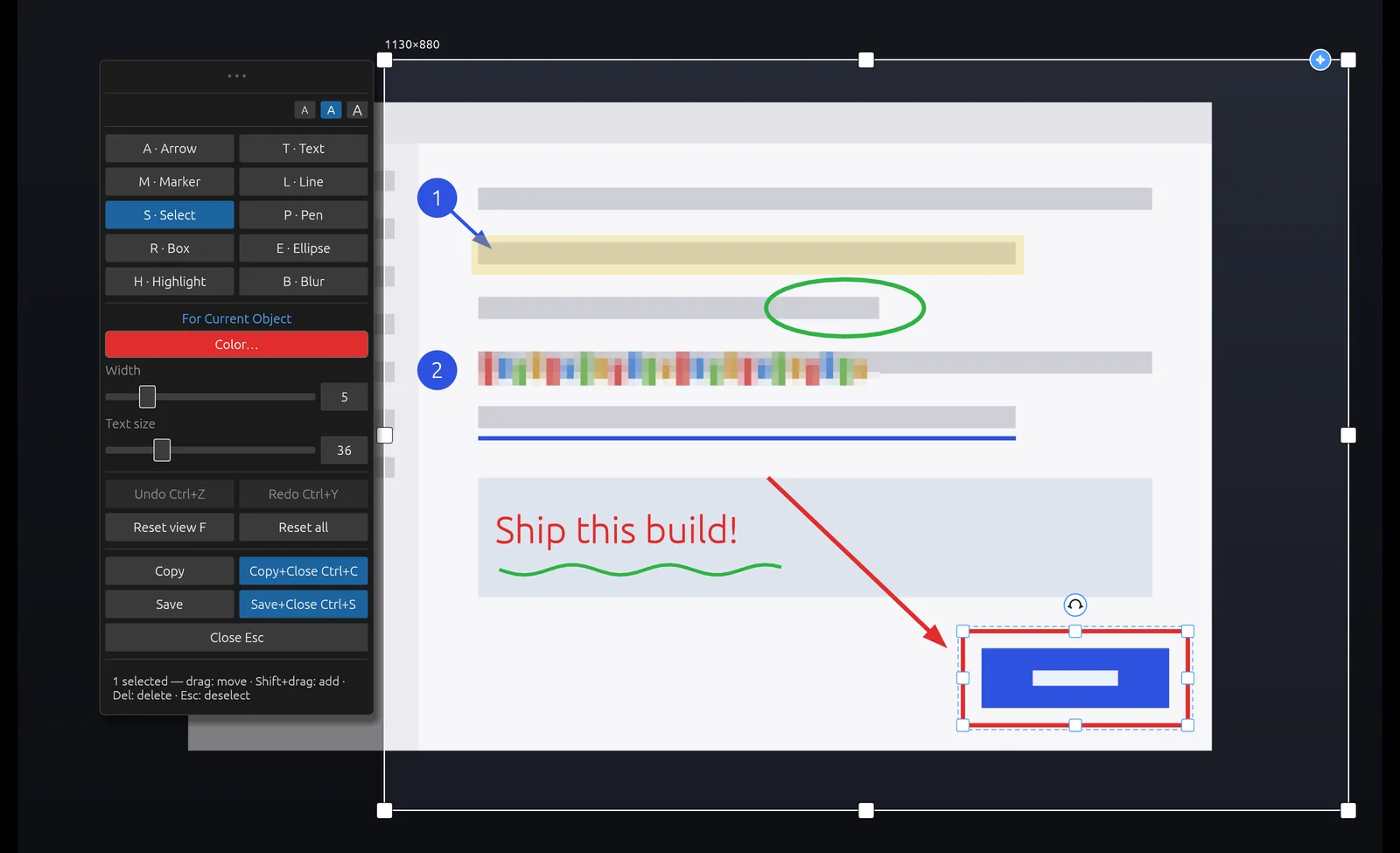
Scrannotate covers that core well. Press your hotkey, capture a region, window or full screen, and annotate with one-key tools: arrows, boxes, ellipses, lines, pen, text, highlights, numbered markers and blur. Copy and paste anywhere.
It runs natively on Apple Silicon and Intel Macs, and the same app runs on Windows, so if you move between machines, you can use the same capture and annotation tools. It costs $14.99 once on the Mac App Store.
ShareX vs Scrannotate
| Scrannotate | ShareX | |
|---|---|---|
| Price | $14.99 once | Free |
| Mac | Yes | No |
| Windows | Yes | Yes |
| Annotation editor | Yes, one key per tool | Yes |
| Upload destinations and automation | No, by design | Yes, extensive |
| Screen recording | No | Yes |
Other Mac options
The built-in Mac screenshot tool (Shift+Command+5) is free and includes basic markup and recording. CleanShot X is a popular paid Mac app with recording and cloud sharing, at $35 plus $19 a year for updates after the first year. Scrannotate sits in between: a focused, fast editor at a lower one-time price, on Mac and Windows.
US list prices checked October 26, 2026. Prices, taxes and discounts can change. CleanShot update renewal is optional.
Snagit Individual · Snagit Business · CleanShot Basic · CleanShot plans