Point to the exact problem
Use arrows, boxes and highlights to show where someone should look. Point to the setting that needs changing or the issue in a support ticket.
Capture your screen, point out what matters, and paste a clear explanation into a ticket, message, or document. Scrannotate brings capture and annotation together for Mac and Windows.
See the real editorA screenshot without context can leave someone guessing. A long explanation takes time to write and read. Add an arrow, a label, or numbered steps so the person on the other end knows where to look and what to do.
Grab a region, window or full screen. Add an arrow, a short label or numbered steps. Copy the result into the conversation you are already having. Explore the real editor below.
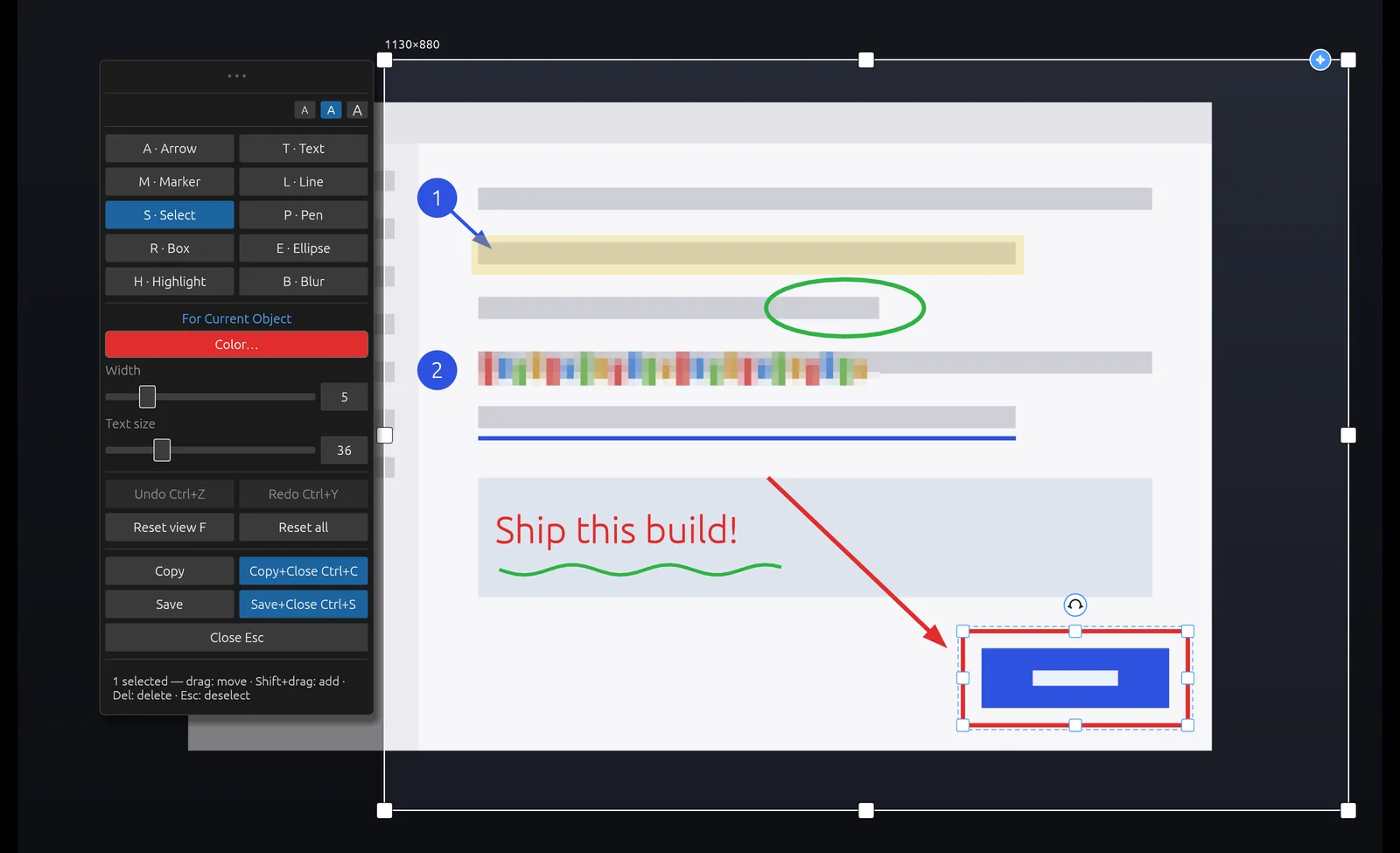
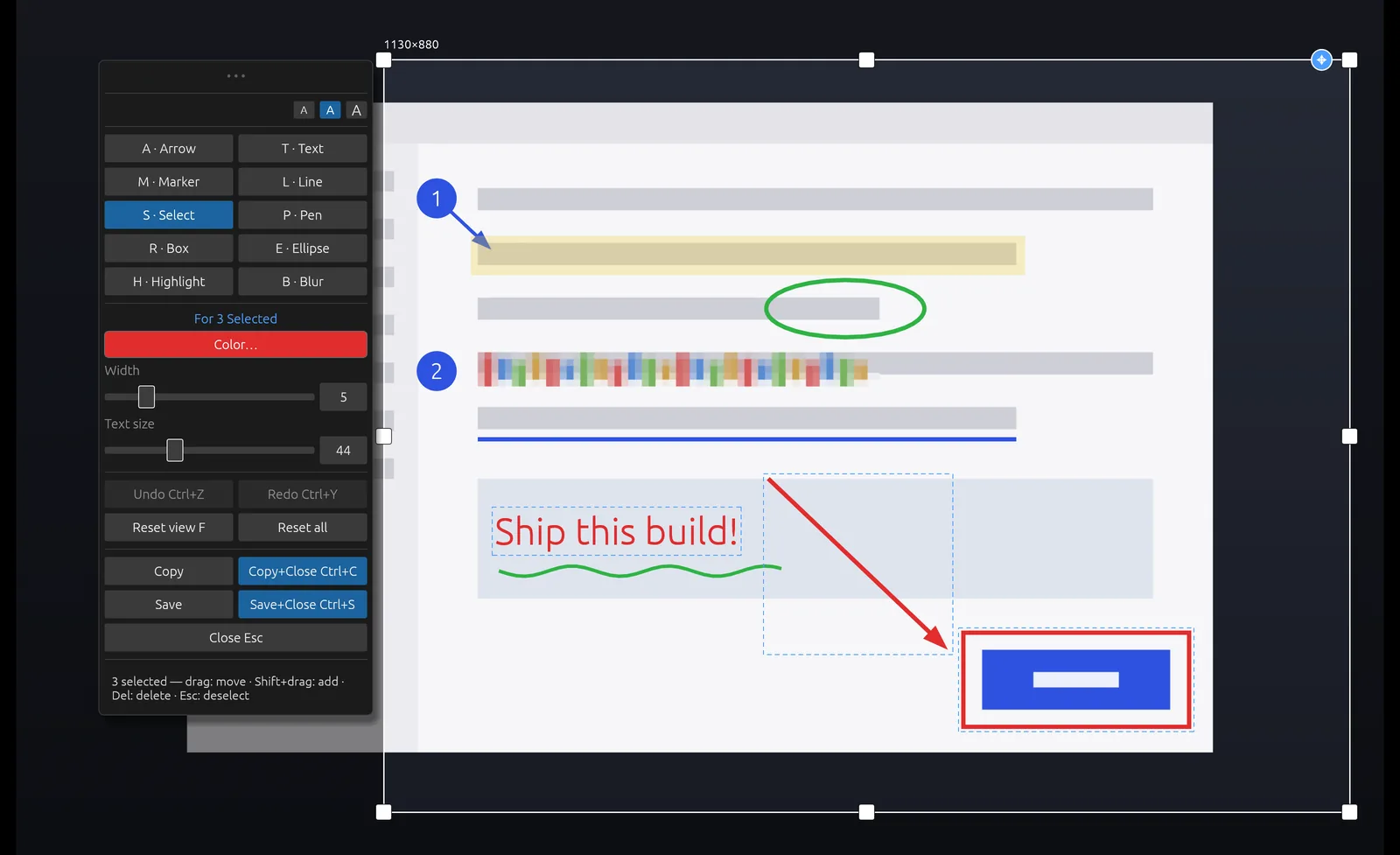
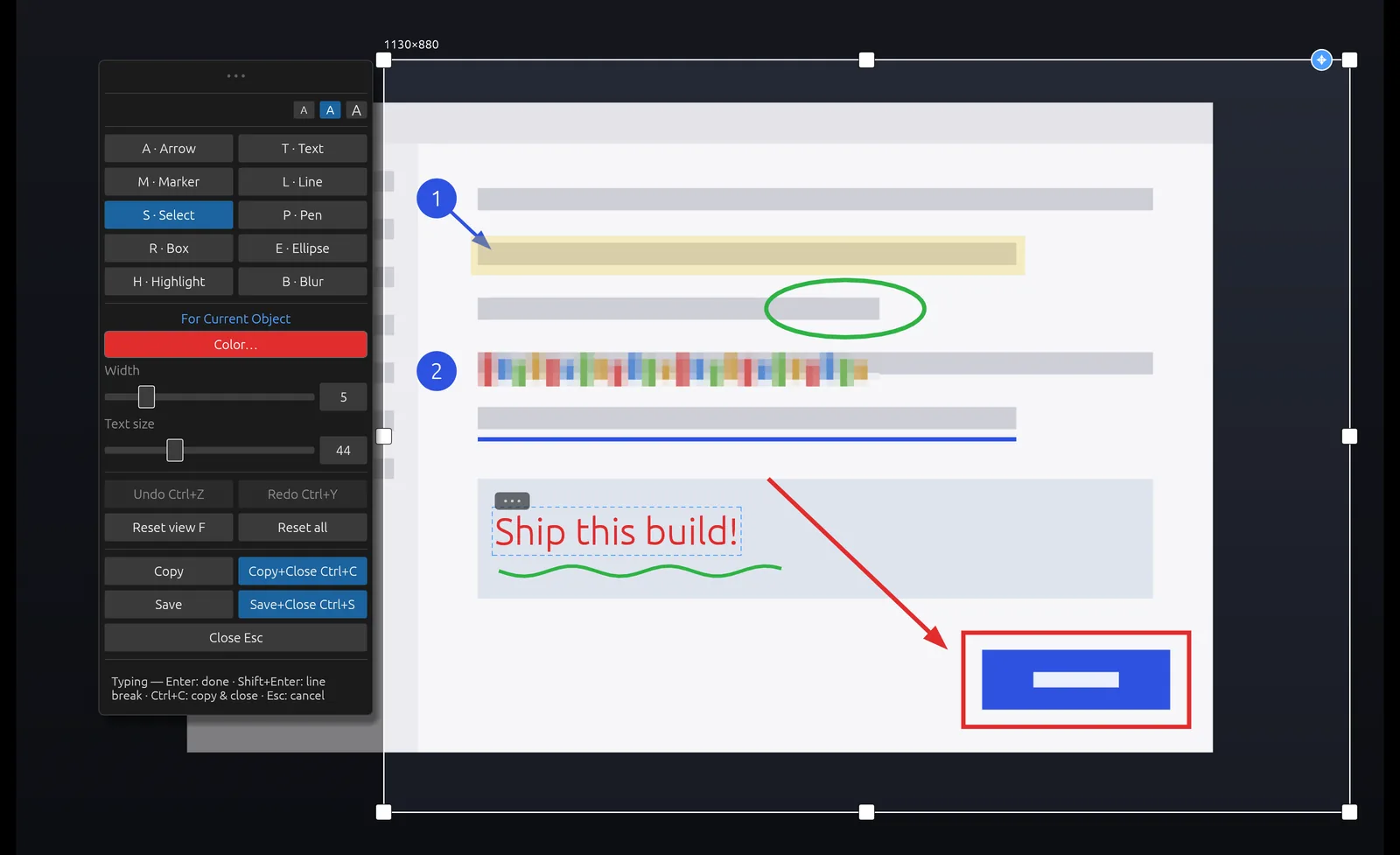
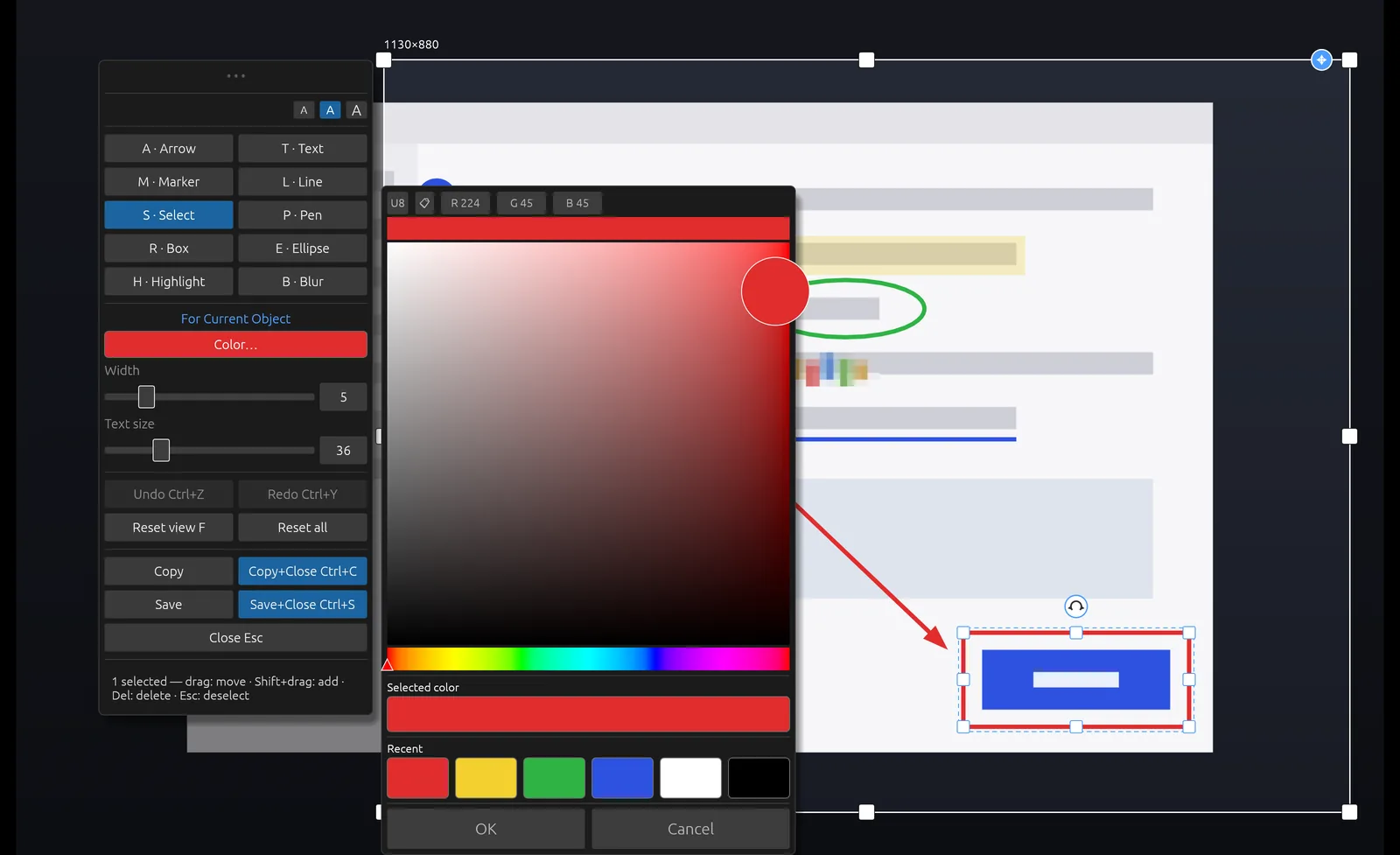
Move an arrow. Change a label. Adjust the capture. Keep refining your explanation without starting over.
Move, resize or recolor annotations while you work on a capture. Select several marks to adjust them together before you copy or save.
Need a little more context? Adjust the capture area after you start instead of taking the screenshot again.
Exiting takes two taps of Escape within a second, helping protect your work from a stray keystroke.
Use arrows, boxes and highlights to show where someone should look. Point to the setting that needs changing or the issue in a support ticket.
Add numbered markers and short labels to walk someone through a task. Make instructions easier to follow at a glance.
Copy your annotated screenshot into a ticket, email, chat or document. Give your explanation the context it needs, right where it belongs.
A Arrow T Text M Marker B Blur Shortcuts are printed on the tools.
Captures go to your clipboard or a file you save. Scrannotate works offline and does not upload them to a cloud library. You decide where to paste, save or share the result.
Scrannotate started as an internal tool at AppCove. Our team reviews code, designs and client work from screenshots every day. We wanted a focused way to capture, explain and move on.
So we built the one we wanted: fast, simple and the same on every machine. Now it is yours too.
Meet the company behind ScrannotateReporting a bug. Answering a customer. Explaining a setting. Scrannotate focuses on the capture and annotation tools these everyday tasks need.
| Scrannotate | Snagit | CleanShot X | Built-in tools | |
|---|---|---|---|---|
| Price | $14.99 once | $39 every year | $35; optional updates $19/yr after year one | Free |
| Updates | Free | While you keep paying | 1 year included | With the OS |
| Mac | Yes | Yes | Yes | Yes |
| Windows | Yes | Yes | No | Yes |
| Same tool on Mac and Windows | Yes | Yes | Mac only | Different on each |
Snagit Individual is $39 a year, so three years is $117. Scrannotate is $14.99, once. The comparison uses one license at current US list prices, before tax or discounts.
See the full Snagit comparisonA clear explanation on your next capture. A one-time price for the tools to make it.
Sold through the Mac App Store and Microsoft Store. Pricing details and refunds
Yes, if you mainly capture and mark up screenshots. Scrannotate covers capture, arrows, boxes, text, highlights and blur for a one-time $14.99, versus $39 a year for Snagit. It does not do screen recording or video editing.
No. You pay $14.99 once and keep using it. There is no monthly or yearly fee, and updates are free.
On the Mac App Store for macOS and the Microsoft Store for Windows. There is no Scrannotate account to create with us.
No. Scrannotate works offline and sends captures to your clipboard or a file you save. You choose whether to share them through another app.
Yes. While you are working on a capture, every annotation stays editable before you copy or save. Move it, resize it, change its color or delete it, with full undo and redo. You can also select several marks at once and change them together.
macOS 11 (Big Sur) or later on Apple Silicon or Intel, or Windows 10 (version 1809 or later) or Windows 11, 64-bit.
Capture it, make your point, and get back to work. $14.99 once. Free updates. No subscription.